
Add Elements
Insert various elements into your PDF documents with precision and full layout control
Text Boxes
Images
Shapes
Hyperlinks
Easily edit PDF online free using PDF Techno's professional editor. Add or modify text, insert images, draw shapes, highlight content, and annotate documents directly in your browser. This tool is designed to help you edit PDF files online quickly without downloading software or creating an account.
Release to add files
Everything you need to edit PDF files online professionally, quickly, and securely
Insert various elements into your PDF documents with precision and full layout control
Mark up and annotate PDF text with ease for review, feedback, or collaboration
Format text with professional styling options for clean, readable documents
Professional editing capabilities for detailed document control
Your privacy comes first. All files are processed securely in your browser when you edit PDF online free. Documents are never stored permanently and are automatically removed after processing, ensuring complete confidentiality.
Edit your PDFs in 4 simple steps using our edit PDF online free tool
Select your PDF file or drag and drop it into the editor to start editing instantly. You can safely edit PDF file online without installing any software.
Use the toolbar to add text, images, shapes, and links to your PDF. This makes it easy to update documents or add new information when you edit PDF text online.
Highlight, underline, strikethrough, or redact existing text for reviews, approvals, or collaboration. Ideal for professionals who need to edit PDF online free with clarity.
Process and download your edited PDF instantly. The layout, formatting, and quality remain intact after editing.
See how people use our Edit PDF tool across different needs
Professional document editing for business needs
Perfect for students and teachers
Fill out and customize PDF forms
The best edit PDF online free experience
No installation required. Edit PDFs directly in your browser with an intuitive drag-and-drop interface designed for speed and ease.
Client-side processing ensures your files never leave your device. When you edit PDF online, your privacy is fully protected.
Advanced text formatting, high-quality images, and precision editing tools help you create polished, professional PDFs every time.
Join thousands of professionals who trust PDF Techno to edit PDF online free
Sarah Johnson
Legal Consultant
"This Edit PDF tool saved me hours every week. The text annotation and redaction features are exactly what I need when reviewing legal contracts securely online."
Michael Chen
Marketing Manager
"I regularly edit PDF files online to add images and update content for presentations. The interface is intuitive and the results look completely professional."
Emily Rodriguez
HR Director
"The redaction feature is a lifesaver when handling sensitive employee documents. Fast, secure, and by far the easiest way to edit PDF text online."
Common questions about editing PDFs online
You can edit PDF online free using PDF Techno by uploading your file directly in your browser. No software installation or sign-up is required. Simply upload, edit, and download your updated PDF.
Yes. PDF Techno allows you to edit PDF text online with a Word-like experience. You can change text, adjust fonts, sizes, colors, and alignment similar to how you edit PDF in Word.
Yes. When you edit PDF file online with PDF Techno, all processing happens in your browser. Your files never leave your device, ensuring complete privacy and security.
You can edit existing text, add new text, insert images, draw shapes, add hyperlinks, highlight content, underline or strike text, and redact sensitive information using the Edit PDF tool.
No. PDF Techno is a browser-based edit PDF online free tool. You don't need to download or install any software, plugins, or extensions.
Yes. You can open your PDF and edit PDF text online on specific pages without modifying the entire document, making it ideal for quick corrections or updates.
No. PDF Techno preserves the original layout, fonts, spacing, and structure when you edit PDF file online, so your document remains professional.
Yes. The redaction feature allows you to permanently hide sensitive text. This is especially useful for legal, HR, and business documents when you edit PDF online.
You can edit PDF files up to 50MB. For larger files, splitting the PDF first is recommended for smoother editing.
Anyone who needs to make quick changes without complex software. Professionals, students, teachers, legal teams, and HR managers commonly use Edit PDF online free tools for fast, secure updates.
Explore more PDF tools to enhance your workflow
Add electronic signatures to your documents
Try Now →Reduce PDF file size without quality loss
Try Now →Combine multiple PDFs into one file
Try Now →Divide PDF into separate documents
Try Now →Convert PDF to editable Word documents
Try Now →Convert Word documents to PDF format
Try Now →Remove password protection from PDFs
Try Now →Add password security to your PDFs
Try Now →Rotate PDF pages to correct orientation
Try Now →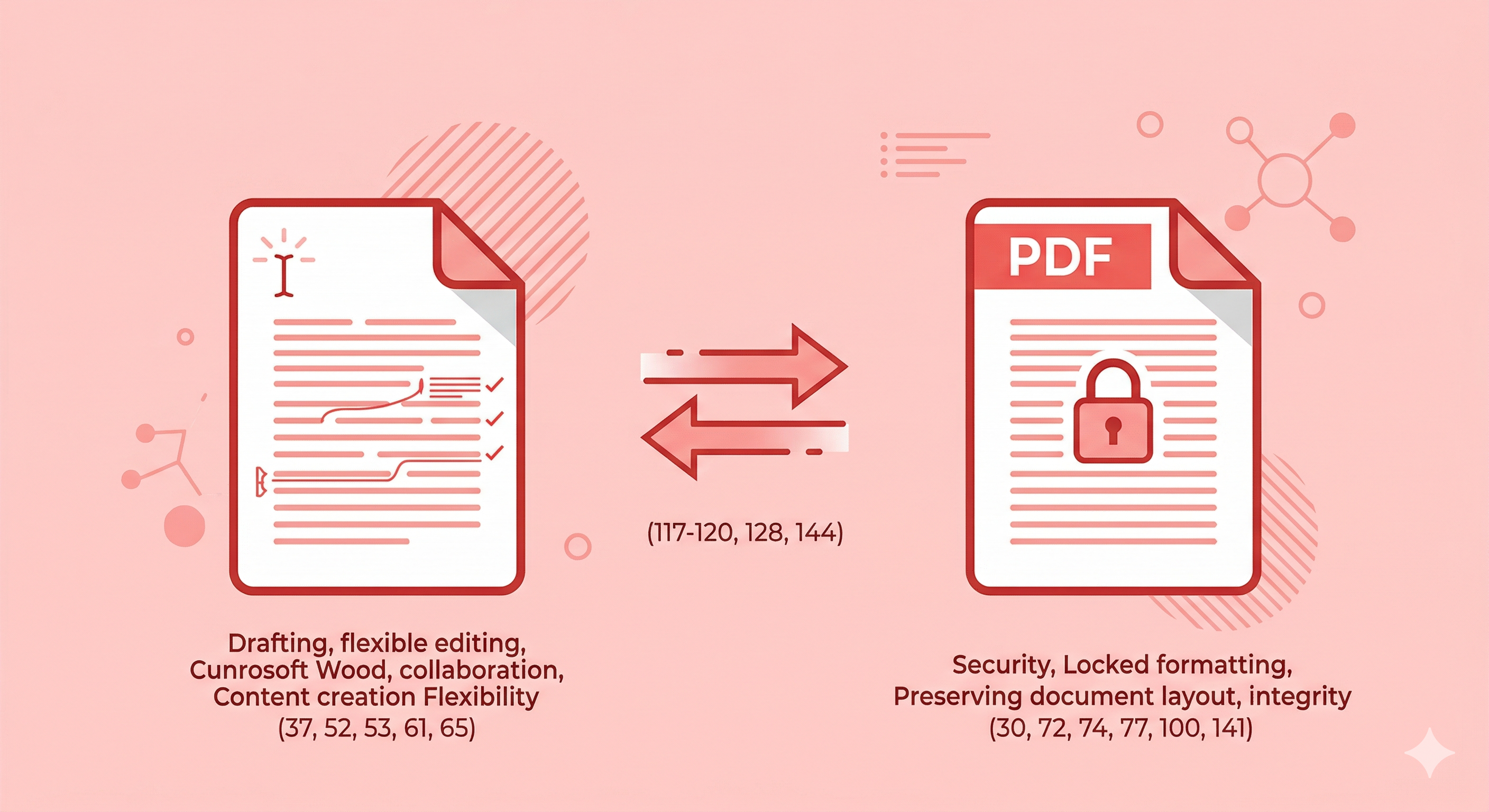
Compare PDF and Word document formats to learn their key differences in editing, compatibility, security, and sharing. Find out when to use each format for your workflow.
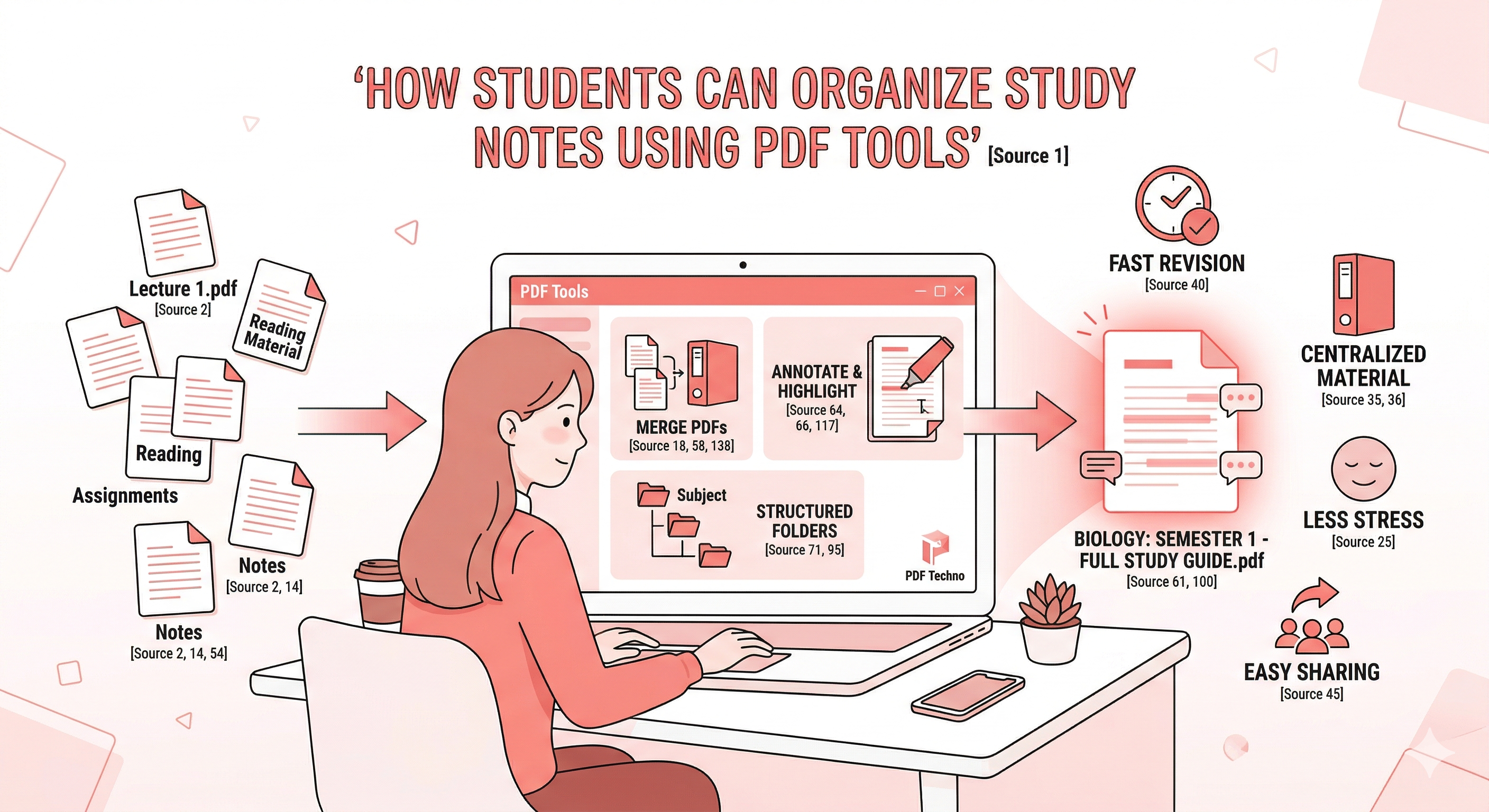
Learn how to organize study notes using PDF tools. Combine lecture PDFs, annotate key sections, and manage academic documents efficiently with PDF Techno.
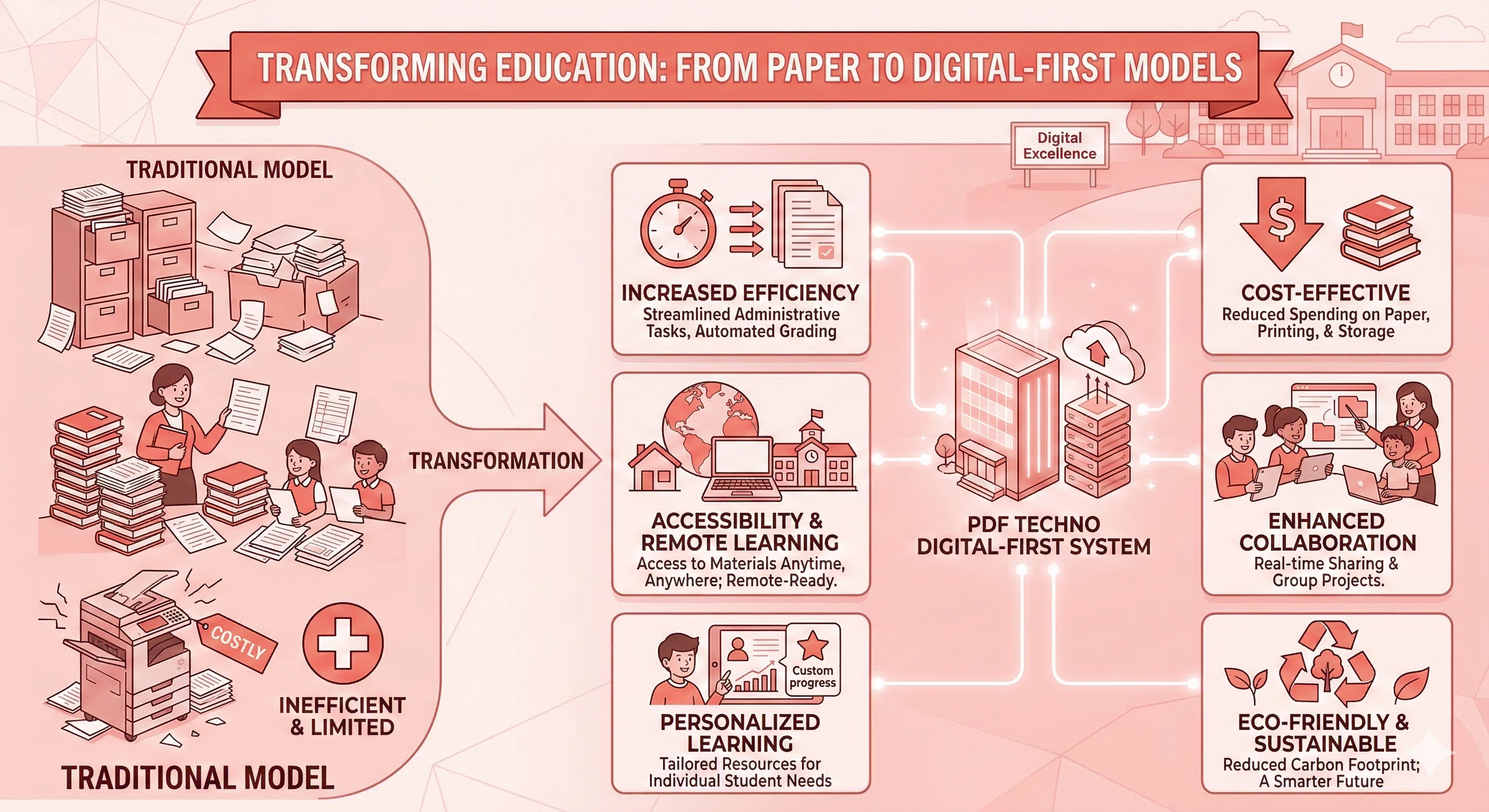
Learn how to convert scanned PDFs into editable Word files using OCR technology. This step-by-step guide covers how OCR works, tips to improve accuracy, and how PDFTechno makes the conversion fast and easy
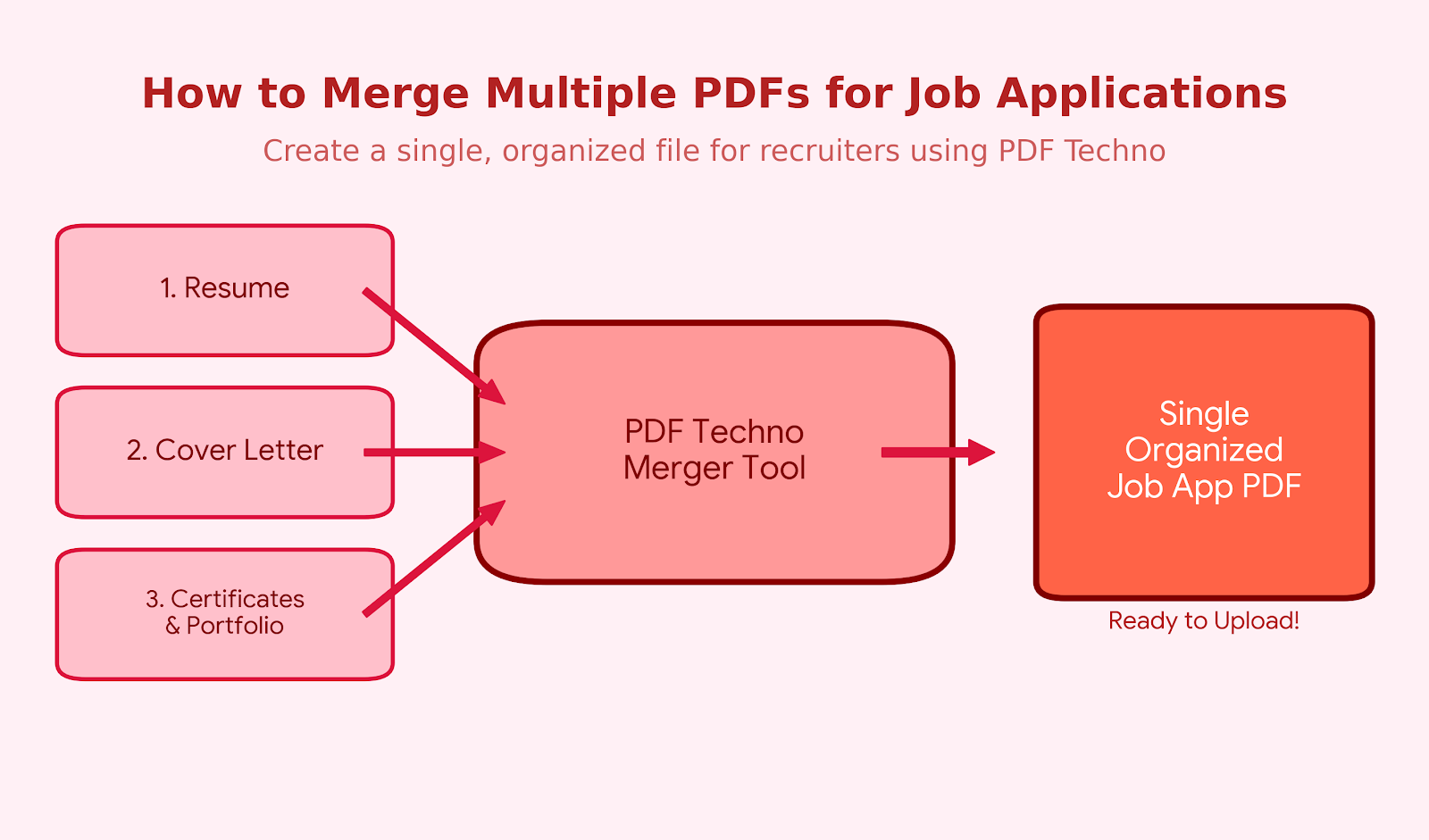
Learn how to merge your resume, cover letter, and certificates into one PDF for job applications. Follow this step-by-step guide and use PDFTechno to combine PDF files online in seconds — professionally organized and ready to submit.
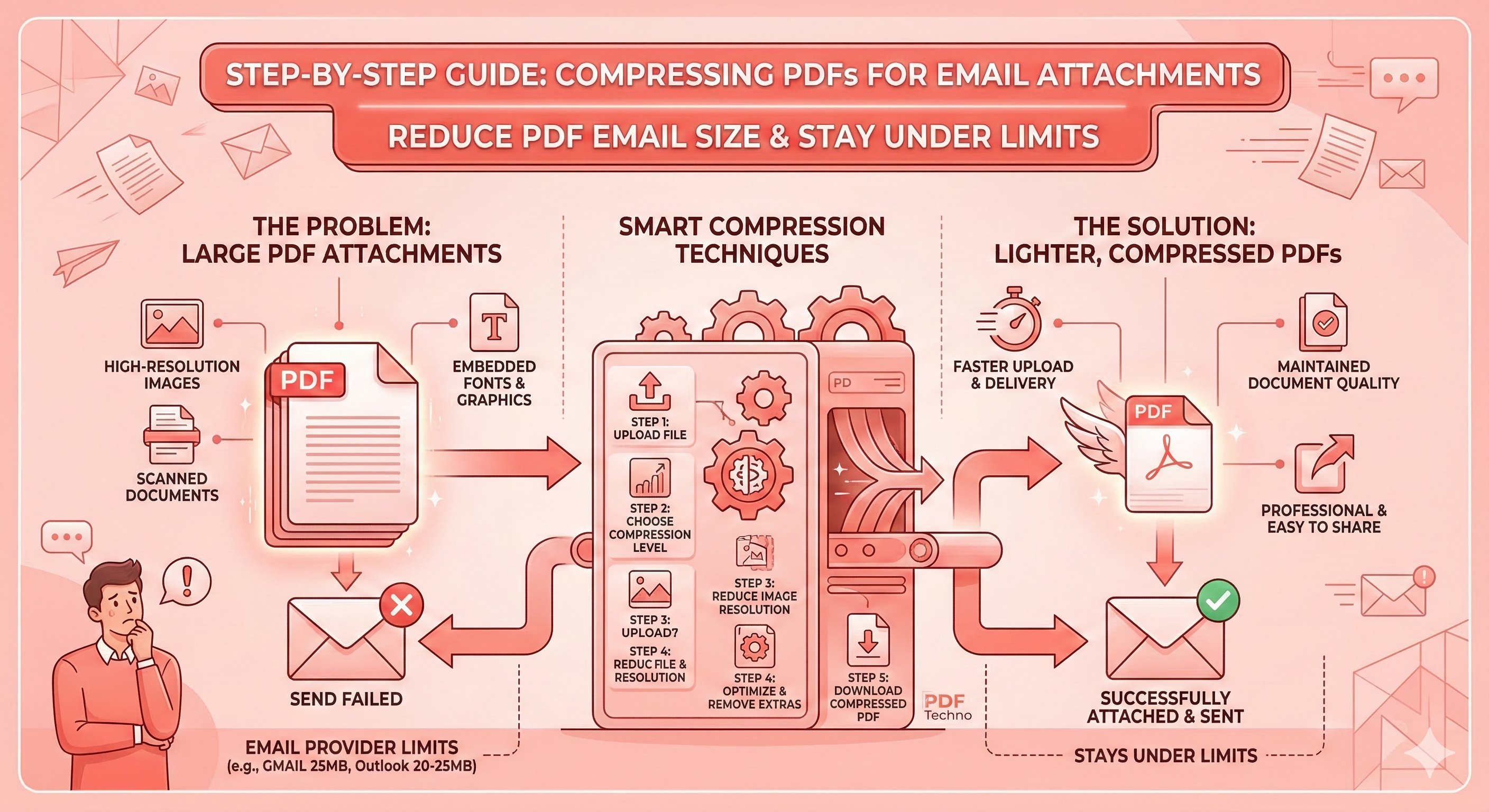
Learn how to compress PDF files for email attachments step by step. Reduce PDF size for Gmail, Outlook, and other email platforms without losing image quality — using PDF Techno's smart compression tool." canonical: "https://www.pdftechno.com/compress-pdf
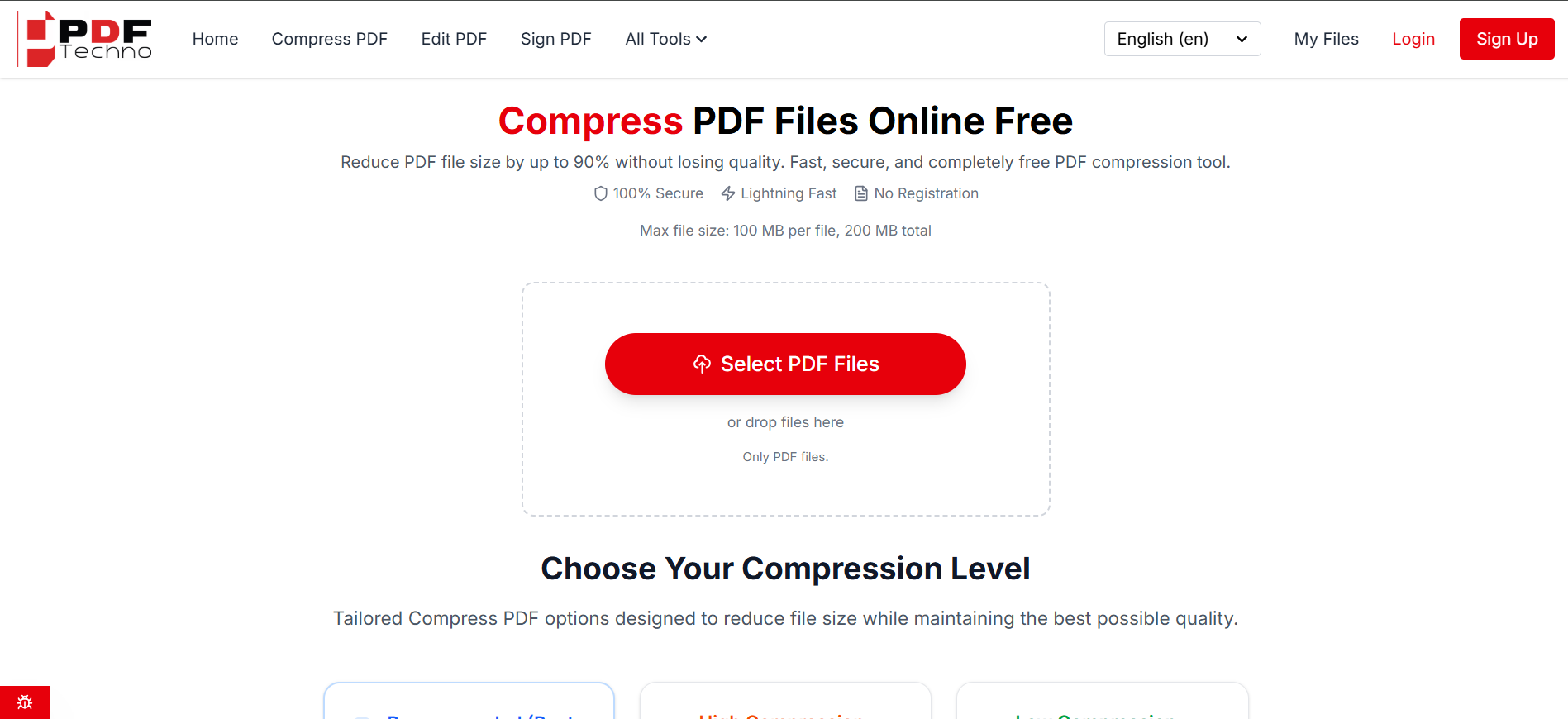
Learn how to compress PDF files for email attachments step by step. Reduce PDF size for Gmail, Outlook, and other email platforms without losing image quality — using PDFTechno's smart compression tool.